
Getting Started
Sculpting Realms
A realm is more than a session container. It's a living world that grows richer every time you play.
A realm is a persistent world that holds your entire campaign history. Sessions, transcripts, compendium entries, entities, and the relationships between them all live inside a single realm and accumulate over time. The longer you play in a realm, the richer and more interconnected its archive becomes.
Think of a realm not as a game session, but as the world itself: an ever-expanding tapestry of adventures that your party is actively weaving together.
The most important decision when starting out is whether to keep playing in an existing realm or create a new one. The answer depends on whether the story continues.
Continue in the same realm
If your party is playing the same campaign or returning to the same world, stay in one realm. History compounds: transcripts stack, the compendium deepens, and the archive reflects the full arc of your story.
Start a new realm
If you're beginning a new campaign, a new story, or playing with a different group, create a fresh realm. Each realm's archive is self-contained, so a clean slate keeps things organized. If your world carries over, you can export your compendium from the old realm and import it into the new one.
Realms of Shod doesn't care what ruleset you use. Bring D&D, Pathfinder, Call of Cthulhu, a homebrew system, or anything else. The platform captures your story regardless. Realms of Shod is built around the narrative, not the rulebook.
As your session is transcribed, the compendium listens. Existing entities are automatically linked in your live transcripts, and new ones are identified and created as they emerge from the story. Relationships between entities are discovered in real time.
The compendium builds itself while you play, so you never have to stop the adventure to take notes. The world takes shape around you as the story unfolds.
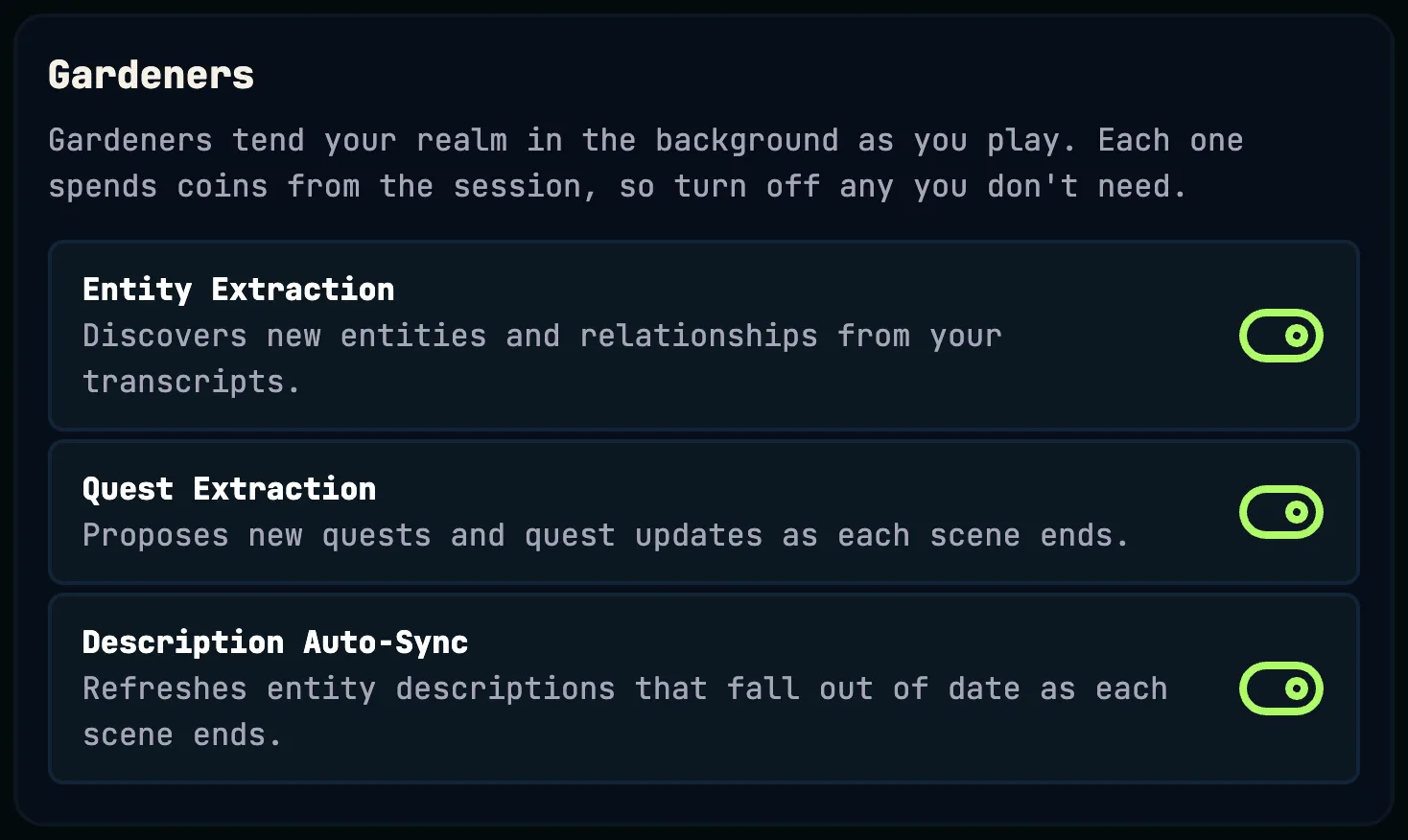
Gardeners are the helpers that tend your realm in the background while you play. Each one does a specific job as your session unfolds, and each one spends coins from the session when it runs.
Entity Extraction
Discovers new entities and relationships from your transcripts and adds them to the compendium. With it off, names already in your compendium are still linked in transcripts for free.
Quest Extraction
Proposes new quests and advances existing ones as each scene ends. With it off, you can still create and update quests by hand.
Description Auto-Sync
Notices when an entity description has fallen behind the story and refreshes the most out-of-date ones as each scene ends. With it off, you can still resync a description by hand.
Everything a gardener changes in the compendium is recorded in each entity's History under “Gardener”. If Description Auto-Sync rewrites a description you preferred, you can roll it back from there.
All three are on by default. Realm Owners and Admins can turn each one on or off under Gardeners in the Configure Realm panel, or when creating a realm. Turning a gardener off lowers the coins each session spends. A change takes effect from the next scene, even in the middle of a live session.