
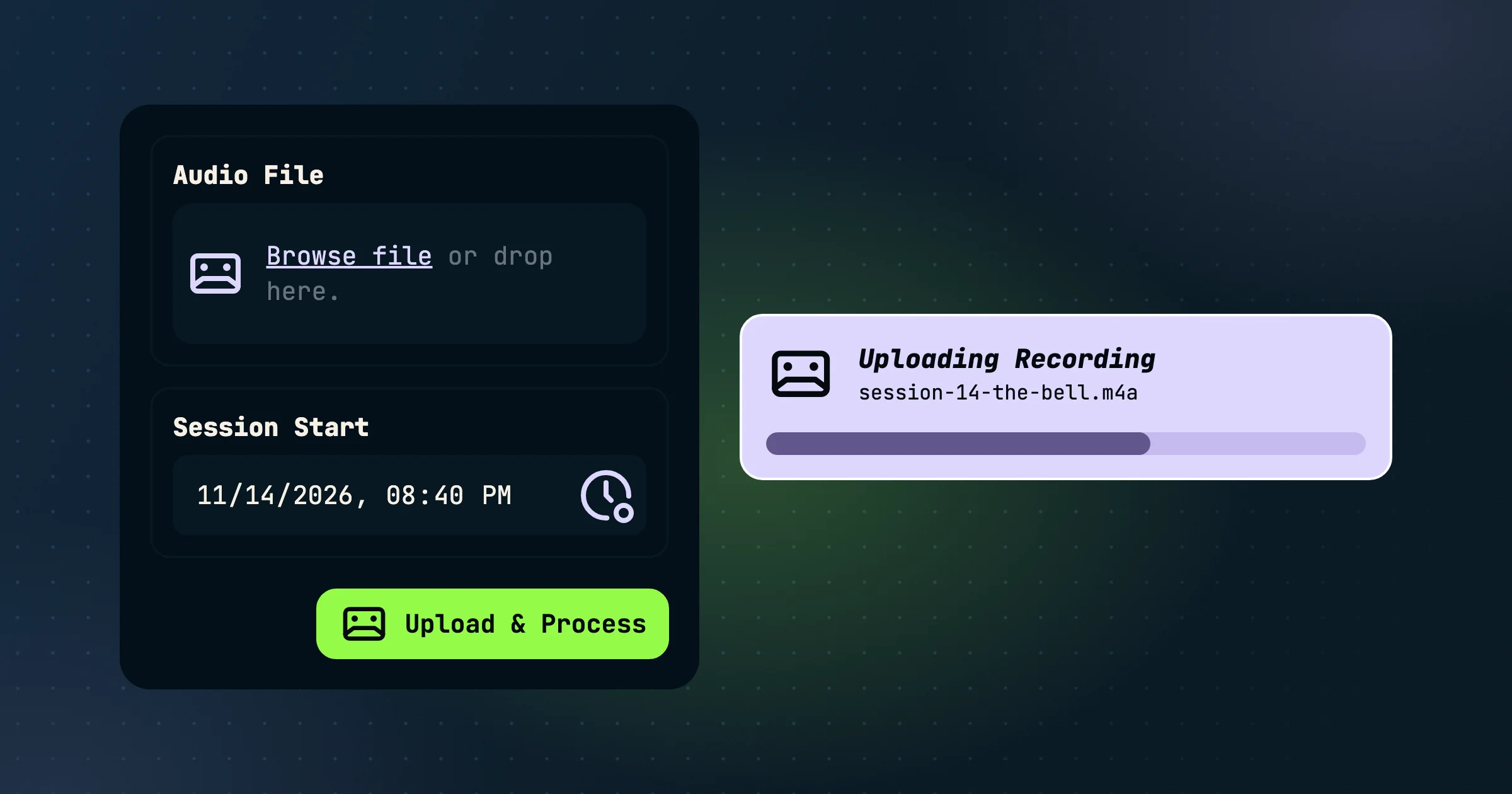
Upload a session recording
What about tabletop sessions that happen in person around a kitchen table? Drop a recorder in the center and upload that recording afterward. It will get transcribed and placed into your realm's timeline.
Open Story Tools and choose Upload Table Recording. Pick the audio file and select the session start. A progress bar shows the upload, and updates you as each step completes.
What you get back
- A transcript with speakers. Voices are told apart automatically, so the transcript reads as a conversation rather than a wall of text.
- Scenes and a summary, the same as a live session.
- Compendium links, with new characters and places added to your compendium.
You'll see the coin cost before you confirm, based on the length of the recording, and it's charged to whoever uploads it.
For more information, see how transcription works.