
Going public
We believe some campaigns deserve an audience. Storytellers and creators of actual plays, long-running worlds, and massive West Marches realms can now open their doors.
Public realms
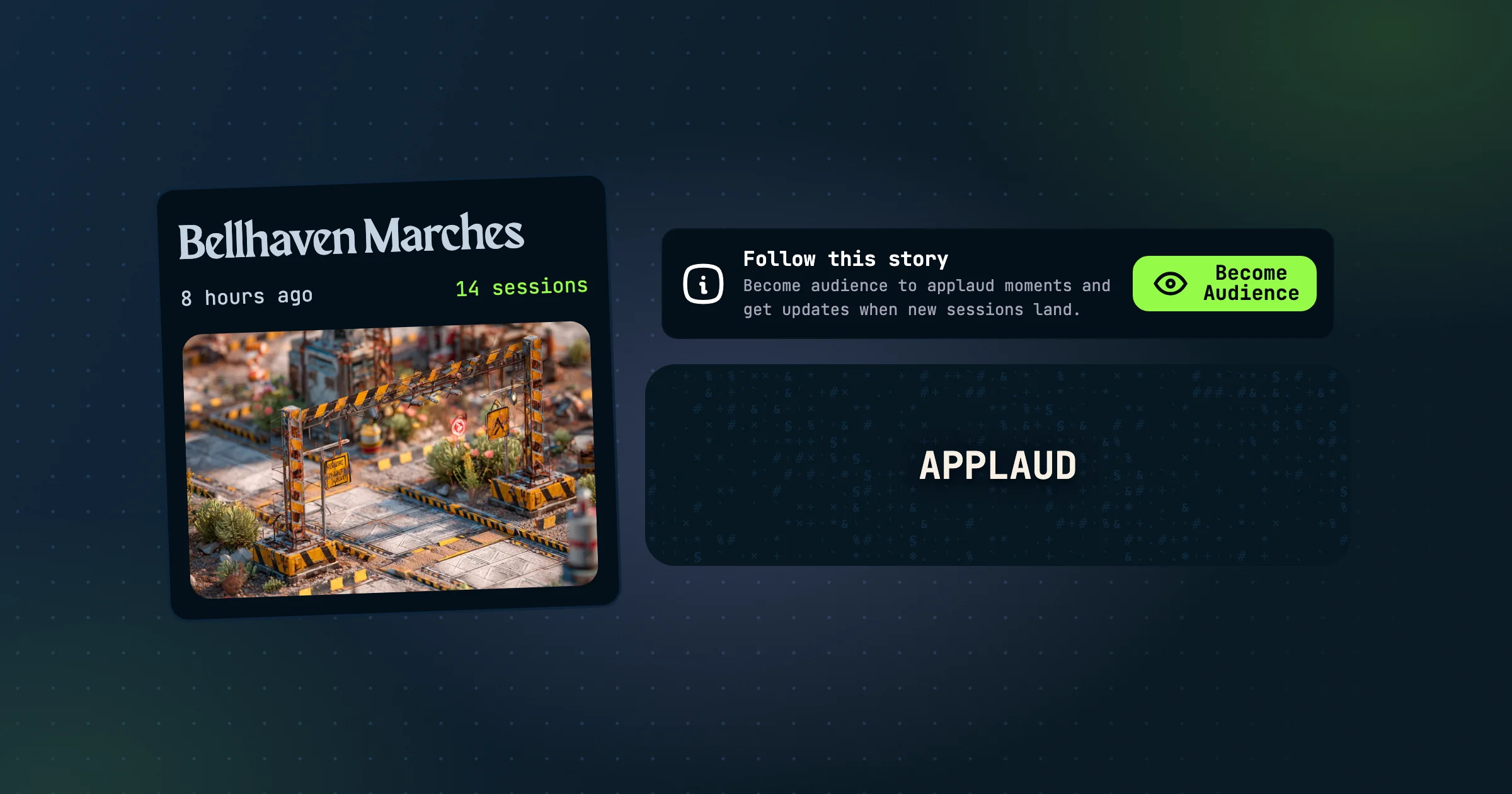
Owners can take a realm public. For existing members, nothing changes, but logged-out visitors see a preview page with the realm's cover, how long you've been playing, its public compendium, and a teaser of the latest session. Logged-in visitors can go behind the scenes and browse the realm itself, read-only. Members see exactly what they always have.
Audience
Visitors can become audience to follow a realm's story. Audience members can read along, applaud moments, and get notifications, but they don't join sessions and don't count toward the realm's member limit of 48. Admins can manage the audience from the party panel, and promote someone to a full member.
Creator profiles
Before going public, you set up a creator profile with an avatar, background, bio, and links. It's your public page, and every public realm you run links back to it.
What stays private
Only what you've made public in the compendium is shown. Notes always stay private, and session rumors decide whether visitors read full sessions with their transcripts or just the rumors.
Start with Public Realms, then read Promoting Your Realm.