
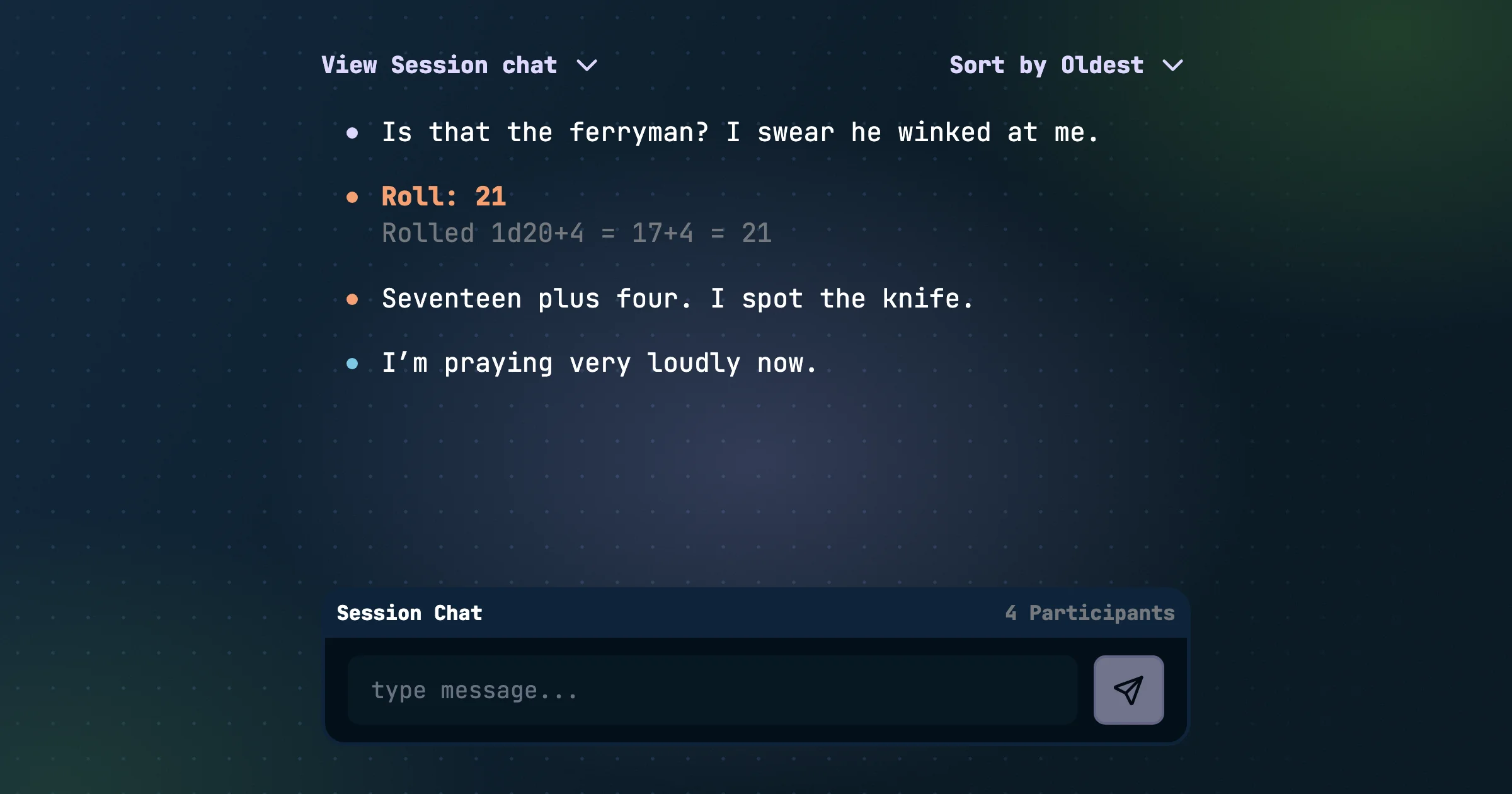
Session chat
Party chat used to be one stream for everything: in-character banter, rolls, and "running five minutes late" all in one place. That can get confusing, so we split it up.
Realm chat and session chat
- Realm chat is the out-of-character channel for the whole realm, and it's always on. It's what used to be called Party Chat and can be found in the upper right of the Gamestream.
- Session chat is for the table during a live session. It sits beside the transcript, so the conversation and what's being said stay together. Only the people in the session can see it, like everything else from that session. When the session is over, it moves into the comment section of the session summary.
See Realm Chat and Session Chat.
Speak as your character
Messages and dice rolls in session chat now show the character you're speaking as, just like the transcript. Realm chat and comments stay out of character and show your name.
Rolls for the whole table
Rolls and actions from a character sheet now post to session chat, credited to that character. For example: "Attack: Hit · rolled 17 vs AC 15 · HP 12 → 7". Dice rolls work the same way.
Comments
Finished sessions and backstory explorations now have a comment thread. Talk about what happened after it's done. Audience members can read comments on anything they can see. People who were in the session can switch between comments and the session chat.