
Realms Sandbox
Gamestream
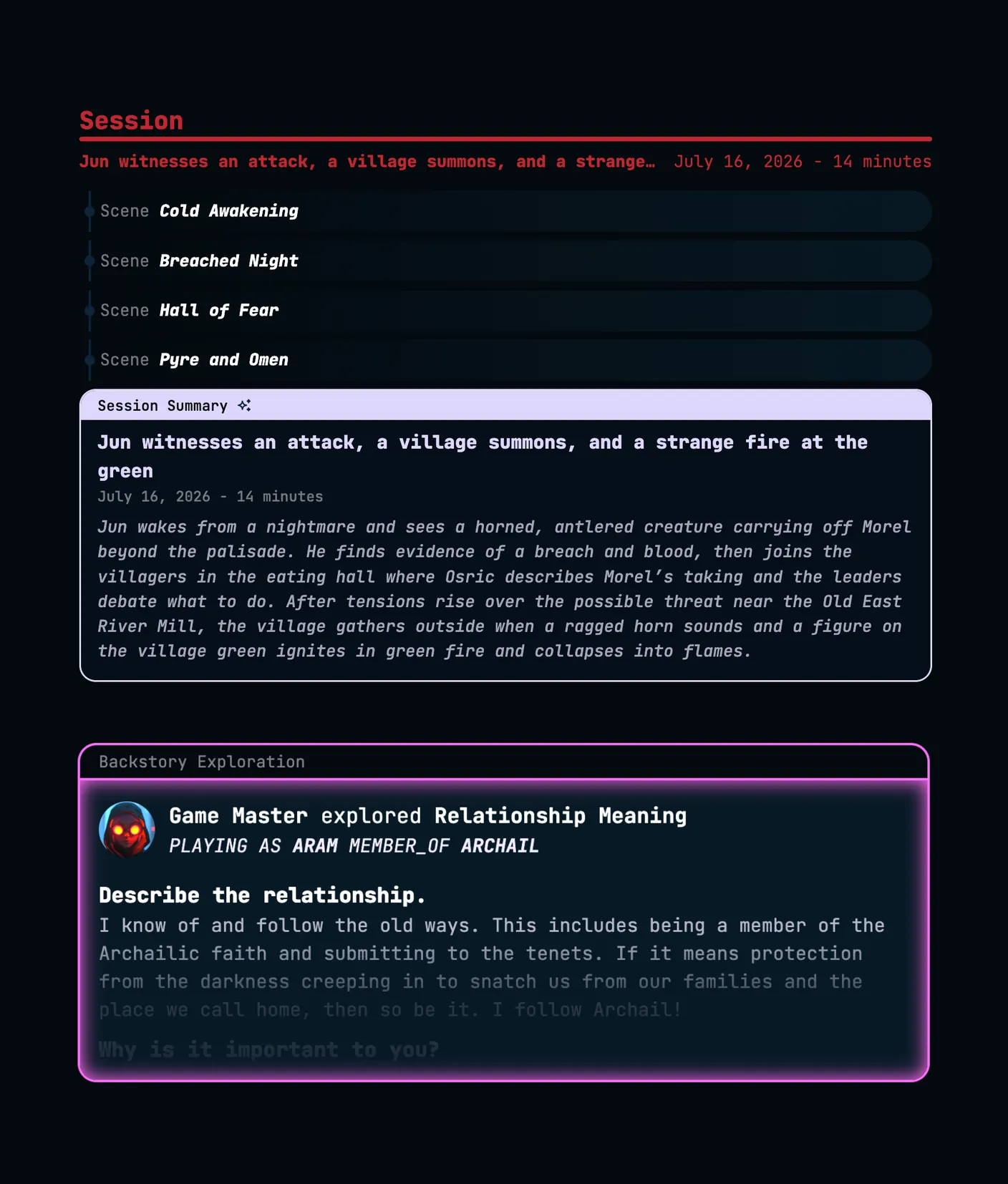
The Gamestream is your realm's live feed. Messages, dice rolls, scene recaps, and backstory explorations flow together in a single real-time timeline.
Send messages to your party during a session using the chat input at the bottom of the screen. Messages support text and images. Sent messages appear in the timeline immediately and are visible to all realm members with access.
Editing
You can edit your own messages after sending. An edited indicator will appear on the message.
Deleting
You can delete your own messages. There is no admin override; even realm admins and owners can only delete messages they sent themselves.
Images
Images can be attached to messages and will render inline in the timeline.
Roll dice directly from the Gamestream. Results appear in the timeline showing the individual die rolls, any modifier applied, and the final total. All participants can see every roll.
The following die types are supported:
d2, d3, d4, d5, d6, d7, d8
d10, d12, d14, d20
d24, d30, d100
Multiple dice of different types can be rolled together in a single roll. A numeric modifier can be added or subtracted from the total.
As a session progresses, the platform periodically generates scene recaps and inserts them into the Gamestream. Each recap has a short title and a summary of what unfolded during that stretch of play.
Recaps are generated automatically from session transcription. They serve as in-stream checkpoints that break the timeline into readable narrative beats.
Scenes appear in the feed as a compact row rather than a full card, keeping session summaries and backstory explorations front and center. Click a scene row to open its details.
A guided creative-writing exercise about a character, created from the Story Tools panel. Once published, it appears in the Gamestream as its own card, separate from the session timeline.
A backstory can optionally be published as a Shadow. Other members see an AI-rewritten "Echo" in place of the real answers, while the author and any realm admin or owner can still read the original text.
Session start
A marker appears in the timeline when a session begins, anchoring the feed to a specific point in realm history.
Session end
When a session ends, a closing marker appears with a short summary and full session summary generated from the session content.
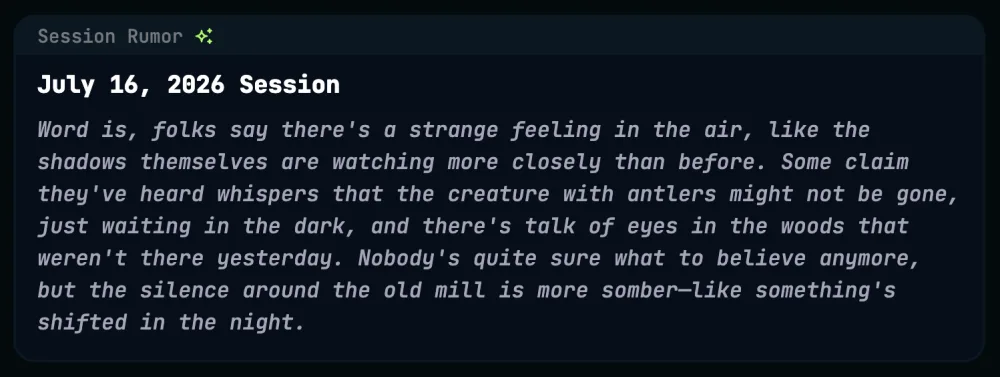
Session content is visible to the people who took part in it, plus the realm admins and owners, who can see every session by default. Everyone else in the realm sees an in-world rumor about the session instead of its summary, which keeps the story diegetic for players who were not there.
Who can see a session
The players who took part, meaning anyone who joined the videocast or whose Discord account matches a speaker in the session. Admins and owners can see every session, along with any member they grant access to.
What everyone else sees
In place of the summary, non-participants see a Session Rumor, a short in-world whisper about what happened. The transcript, scenes, chat, and dice from that session stay hidden.
Granting access
Admins and owners can open a session and grant specific members access from the session edit form. Granted members see the full session content from then on.
Turning it off
A realm-level Enable Non-Participant Rumors setting controls the whole feature, and it is on by default. Turn it off to make the full content of every session visible to all realm members and hide rumors entirely.
The rumor takes the place of the session end marker described above, so the timeline still shows that a session happened without revealing what was said.
Click any item in the Gamestream to open a full details view with more room than the feed card allows. What you see depends on the type of item:
Session summaries
The short and long summary, if you have access to the session. If you do not, you see the Session Rumor instead, as described above.
Backstory explorations
The full exploration text, or the Echo if it was published as a Shadow, as described above.
Scenes
A sidebar with the scene summary, collaborators, and the session it belongs to, rather than a full-page view.
The Gamestream loads the most recent events by default and auto-scrolls to the latest as new content arrives. Scrolling up moves through older history.
When you are viewing history and new events arrive, a button appears to jump back to the present without scrolling.